1. Share or paste
Send a recipe link to Receptly from a website, TikTok, or Instagram.
A good recipe can appear anywhere. Receptly helps you bring recipes from websites, social videos, and photos into one organized recipe collection on your iPhone or iPad.
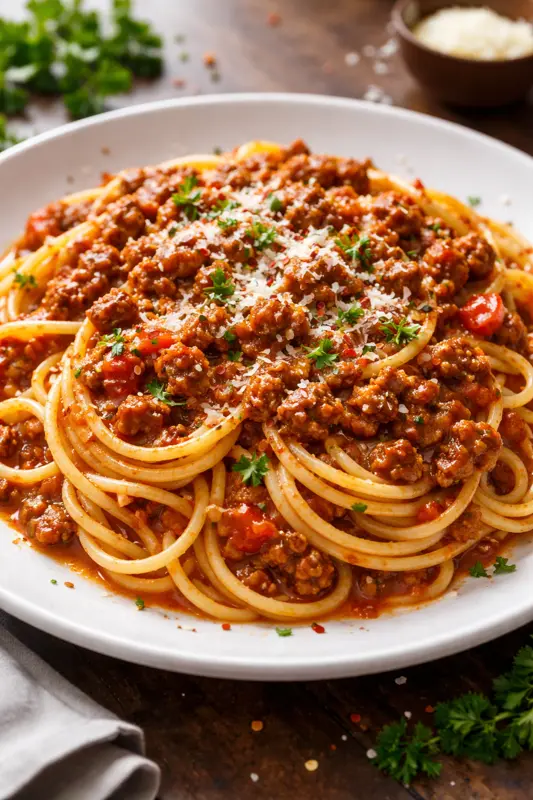
Send a recipe link to Receptly from a website, TikTok, or Instagram.
Review the imported ingredients, instructions, image, and other useful details.
Place the recipe in a collection and use it later for shopping or cooking.
Bookmarks, screenshots, notes, and saved social posts quickly become difficult to search. Importing a recipe into Receptly gives it a consistent format, so you can find the dish again when you actually need it.
You can still edit the result and make the recipe your own. Add notes, adjust the wording, choose a collection, and keep the version that works for your kitchen.
A saved post is easy to forget. An imported recipe keeps the ingredients and instructions together, ready for the moment you want to shop or cook.
Every imported dish joins the same searchable collection as the recipes you enter yourself. That makes it easier to plan meals without checking several apps.
Yes. Share or paste the recipe link in Receptly and review the imported result before saving it.
Receptly supports recipe links from TikTok and Instagram, so food videos can become usable recipes in your collection.
Yes. You can edit ingredients, steps, images, notes, and organization after importing.
No. You can also add recipes manually or use a photo, giving you one place for both digital and family recipes.
Download Receptly and keep every recipe ready for shopping and cooking.
Download on the App Store